Tips for Printing on Synthetic Paper on a Digital Printer
Synthetic Paper has characteristics that make it different from ordinary paper that you may print through your digital printer .
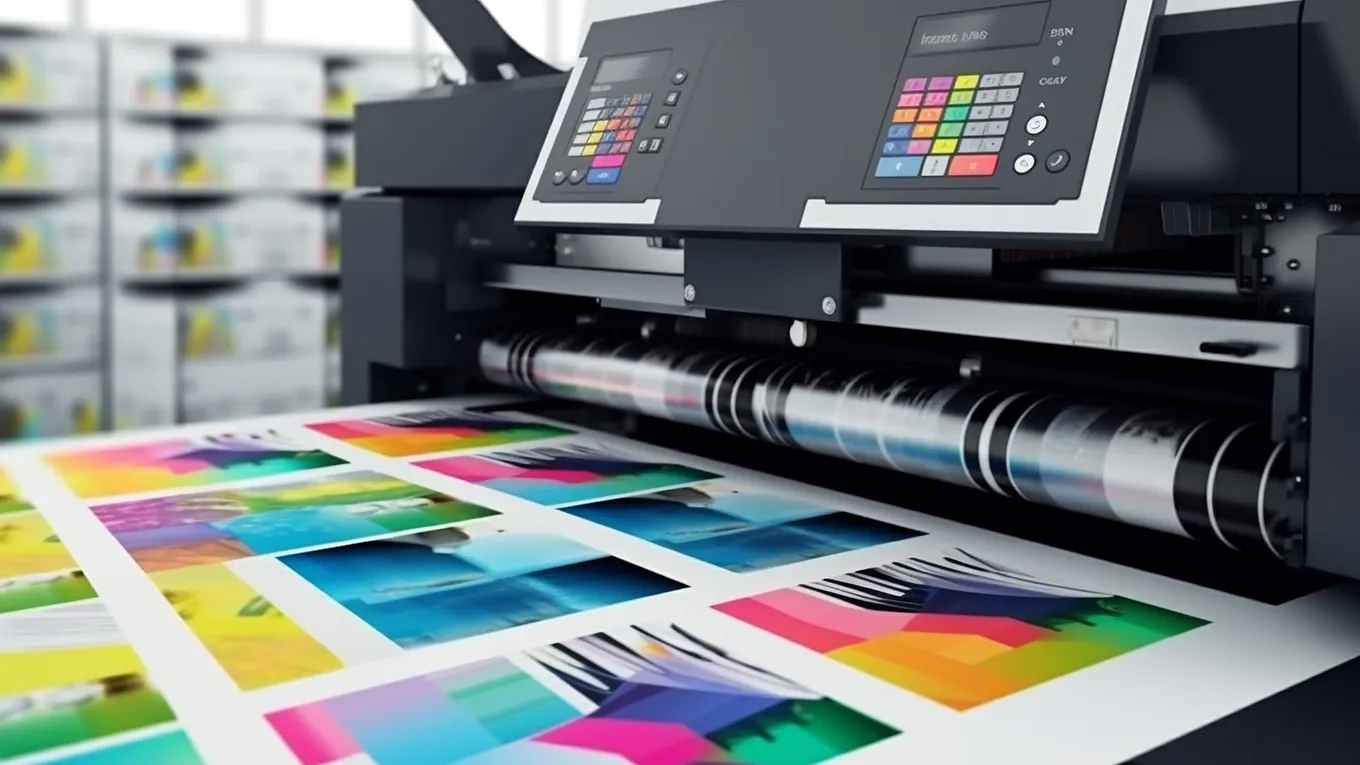
Synthetic Paper has characteristics that make it different from ordinary paper that you may print through your Laser Printer or Multi-Function device, which are also known as ‘Dry Toner’ printers.
These characteristics; Waterproof, Tear Resistance, Resistance to Solvents and Chemicals, Dimensional Stability and extreme durability make it ideally suited for harsh environments where longevity is required.
We suggest that you read this information leaflet BEFORE you start printing on Synthetic Paper it could save you time and prevent any issues!
1. Check Your Printer
It’s easy to print on Synthetic Paper if you have the correct printer! Our synthetic paper can be printed on Dry Toner Laser Printers, Offset Printers or Flexo Printers. The key is making sure that your printer is equipped to run the product’s gsm and melting point.
2. What Do Those Figures Mean?
All printers have thresholds for these factors, look at your printer’s manual to check these maximums.
3. Adjust Your Printer’s Settings
Before printing your file, make sure to change the media/type settings to match the type of Synthetic Paper you are printing.
If your printer has a Synthetic Paper setting that’s the one to use.
4. Select the Correct Paper Tray
It is important that you feed Synthetic Paper from a Paper Tray has a fairly straight path through the printing process, this is often the bypass tray or sheet feeder.
5. Acclimatise the Paper before Loading
All paper including Synthetic Paper needs to adjust to the climatic conditions, once it is taken out of it’s packaging it should be left for 24 hours prior printing.
6. Fanning
After opening the packet of paper spend a minute or so to fan the paper so as to introduce air between the sheets, grab each end of the ream and move the sheets vigorously.
7. Static
Static Electricity is often an issue when printing any paper through a Laser and Electrostatic printer in fact part of the fusing process that ‘fixes’ the toner to the page is a static charge. In most cases static electricity can be negated by correct storage of the paper and fanning.
8. Need Help or Advice?
At Synthetic-Papers we are only a phone call or email away for Advice to Help on printing SRFSynthetic Paper.
No posts found.
No posts found.